Add your photo
Choose a living room, bedroom, dining room or home office photo. It stays on your device.
Try a color filter on a photo of your room, compare the mood, and save your favorite. Your furniture and layout stay the same.
 OriginalColor preview
Explore how color and light can change the mood of a room, one photo at a time.
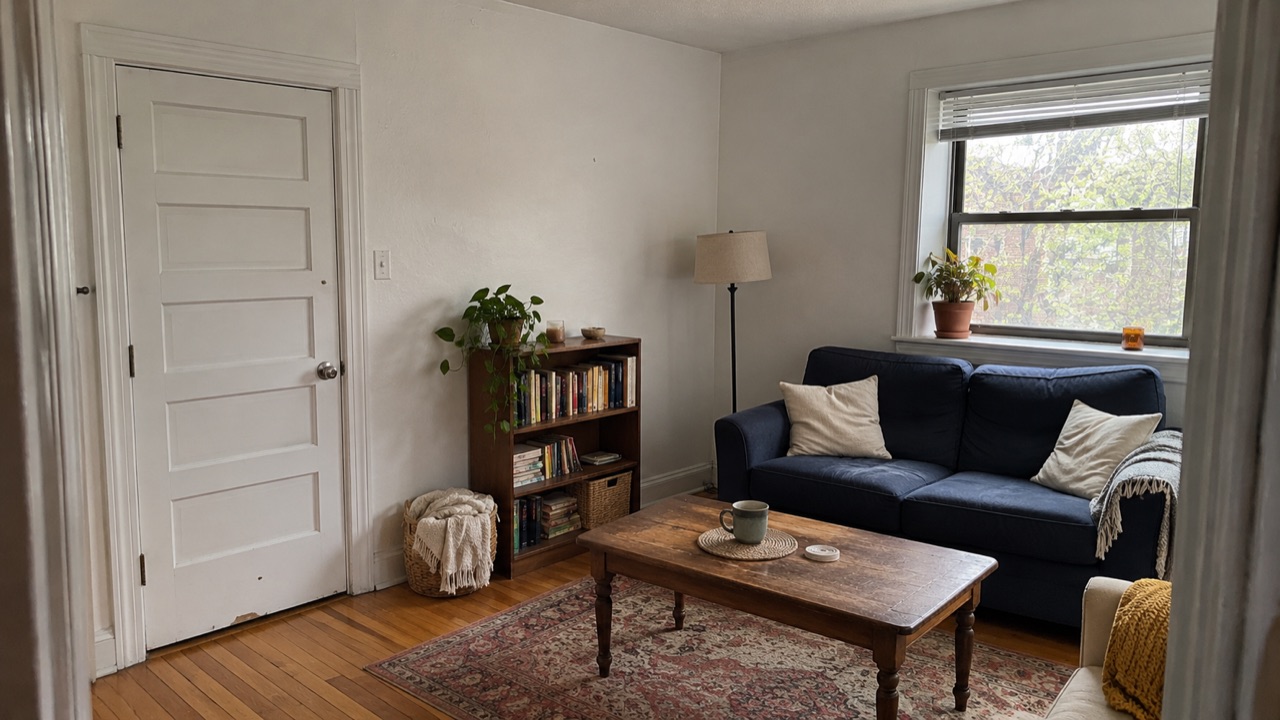
Illustrative sample images. The preview applies a color filter to the entire photo; it is not an AI redesign.
Find a softer mood for the room you spend the most time in.
Start with a photo and explore a new color mood.
This is a visual demo, not an AI redesign. Style presets apply a simple color filter to your photo. They do not change furniture, layout, or materials.
Choose a photo that feels like home.
Add a photo to begin your color study.
Choose a photo to get started.
A quick way to explore the feeling of a room before you make any changes.
Choose a living room, bedroom, dining room or home office photo. It stays on your device.
Try one of four presets to adjust the color and tone of the whole image.
Use the slider to compare with your original photo, then download your preview.
A little clarity before you get started.
Roomnu applies a color filter to your existing photo so you can explore different overall tones. It does not change the furniture, walls, layout, or materials in the room.
Not yet. This early version is a local color-filter demo; it does not generate new furniture, create a floor plan, or produce an AI redesign.
No. The preview is processed in your browser on your device. Your photo is not uploaded by this tool.
Use one JPG, PNG, or WebP image up to 10 MB. For a useful preview, choose a clear, well-lit photo of your room. Read the room photo guide.
See what a different color mood can bring to your space.
Try your photo